Accepting your invite
Set up your account from the invite your bookkeeper sent you.
Your bookkeeper sends an invite email containing a link and a code. Either one gets you in.
From the invite linklink
- 1
Open the invite email and click the link. It takes you to a form with your email address already filled in.
- 2
Enter your full name.
- 3
Choose a password of at least 8 characters, then type it again to confirm.
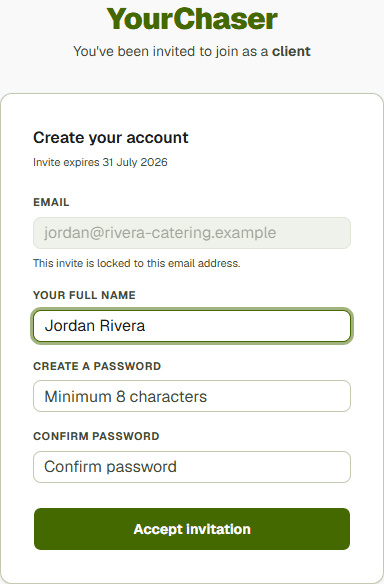
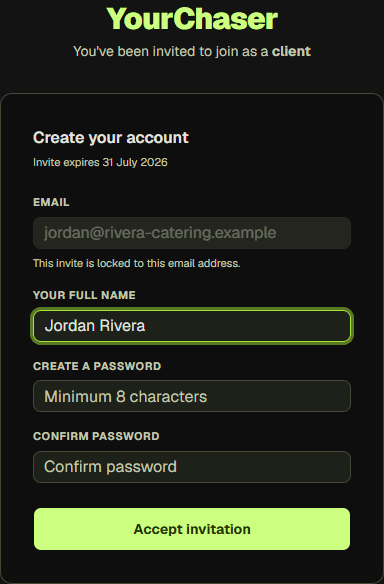
Your email address is fixed; it comes from the invite.
- 1Set by your bookkeeper and can't be changed here
- 2Your full name
- 3Minimum 8 characters
- 4
Submit the form. You are signed in straight away and land on your dashboard.
From the code insteadlink
If the link does not work, go to the invite page and enter the code from the email, in the form SMITH-AB12. It takes you to the same form.
Signing in laterlink
After the first time, sign in at the login page with your email address and the password you chose. If you forget it, use Forgot password on that page to have a reset link emailed to you.